June 15, 2026
ecommerce merchant accounts
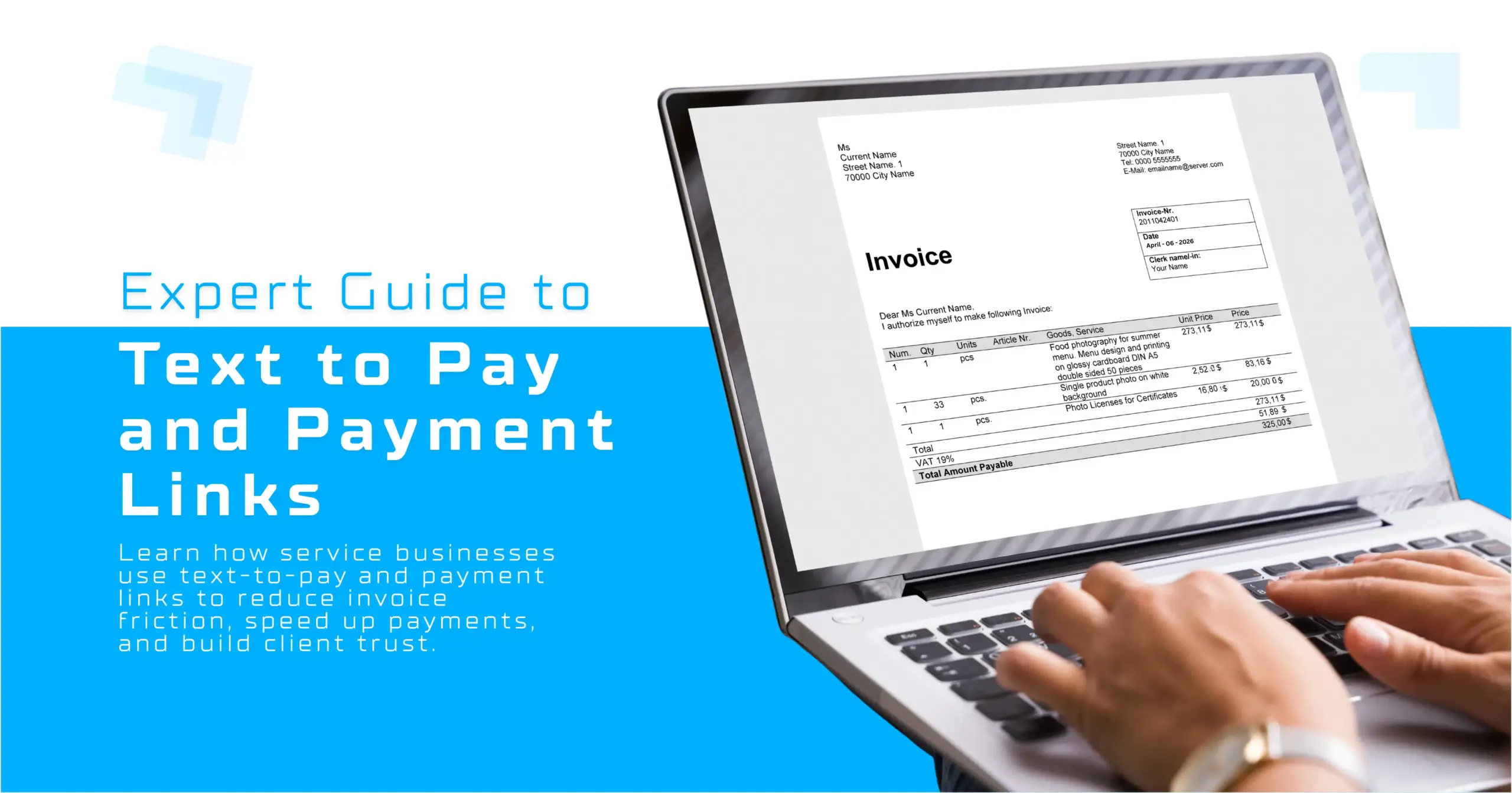
The Ultimate Expert Guide to Text to Pay and Payment Links for Service Businesses.
Let’s be completely honest for a moment. If you run a service business, whether you are managing a specialized contracting crew, running a busy medical practice, or directing a creative consulting agency, you did not get into this business to become a full-time debt collector. Yet, far too many business owners find themselves staring at an accounts receivable report at the end of the month, wondering when the checks will arrive.
Traditional invoicing is broken. It is a slow, multi-step process that inserts unnecessary friction precisely where it hurts most: your cash flow. Well, the payments landscape in the U.S. has fundamentally shifted. Driven by the mass adoption of digital wallets and real-time payment frameworks like FedNow, consumer expectations have changed. Your clients no longer want to locate a paper invoice, log into a clunky online portal, or, heaven forbid, write a physical check. They want convenience, speed, and absolute security.
Actually, the solution is already sitting right inside their pockets. By leveraging SMS infrastructure and dynamic payment links, forward-thinking service providers are transforming their billing cycles from weeks to literal seconds. In this comprehensive guide, we will break down exactly how text to pay and payment links work, analyze the operational costs of outdated invoicing, outline security best practices, and help you pick the right mobile strategy to unlock consistent revenue.
Table of Contents —
- 1. How Outdated Invoicing Stifles Service Business Cash Flow —
- 2. The Ultimate Guide to Text-to-Pay: Mechanics and Consumer Demand —
- 3. How to Generate and Send Your First Payment Link in Under 60 Seconds —
- 4. Transforming Smartphones into Standalone Terminals —
- 5. Making Links Look Official, Not Like Spam —
- 6. How to Request Mobile Payments Professionally —
- 7. Strategic Comparison — QR Codes vs. Payment Links
- Frequently Asked Questions (FAQ) —
- 1. What happens if a customer deletes the text message containing the payment link?
- 2. Are transaction fees higher for text to pay links compared to physical card swipes?
- 3. Can I send payment links to clients who don’t have a smartphone?
- 4. Do text to pay platforms support recurring subscription billing plans?
1. How Outdated Invoicing Stifles Service Business Cash Flow —
For decades, the standard operating procedure for service billing looked like this: finish the job, generate an invoice on your computer, email a PDF copy to the client, and wait 30 to 60 days. If the payment didn’t arrive, you sent a polite email follow-up. If it still didn’t arrive, you picked up the phone.
This model introduces a massive amount of payment friction, any step in the transaction process that slows down or frustrates the buyer.
According to data from recent fintech index reports, this friction directly affects Days Sales Outstanding (DSO), which measures how long it takes a company to collect cash after a sale. High DSO suffocates small and mid-sized businesses by locking up working capital that should be used for payroll, inventory, or scaling operations.
[Traditional Invoice Process]
Finish Job ➔ Draft PDF ➔ Email Client ➔ Client Views ➔ Manual Typing ➔ 30-60 Day Delay
[Text to Pay Process]
Finish Job ➔ Generate Link ➔ Send SMS ➔ Client Taps ➔ Mobile Wallet ➔ Instant Settlement
Furthermore, standard invoicing carries hidden administrative expenses. The time your staff spends matching bank deposits to open accounts, handling manual data entry, and tracking down non-payers represents an uncredited tax on your business efficiency.
2. The Ultimate Guide to Text-to-Pay: Mechanics and Consumer Demand —
Text-to-pay (frequently referred to as SMS payments) is a technology that allows businesses to deliver a secure billing link directly to a client’s mobile phone via text message.
The underlying process is remarkably simple:
- The business generates a transaction total within their payment gateway or CRM.
- The platform creates a unique, single-use URL tied to that specific transaction.
- The system texts the link to the customer alongside a brief message.
- The customer taps the link, opens a secure checkout screen optimized for mobile screens, and approves the charge using stored credentials like Apple Pay, Google Wallet, or a credit card.
Why Your Clients Want This?
You see, modern consumers prioritize mobile-first convenience above almost everything else. Industry market research highlights that over 90 percent of U.S. consumers state a smooth, hurdle-free checkout significantly influences their repeat business.
When you deliver a payment link directly to a smartphone, you eliminate the need for the customer to remember login details or hunt down a wallet. Because digital wallets natively secure biometric details (like FaceID or fingerprint scanning), clients can settle bills while riding public transit, sitting on the couch, or standing at their kitchen counter. It turns a chore into a seamless, three-second tap.
3. How to Generate and Send Your First Payment Link in Under 60 Seconds —
Adopting new technology can feel overwhelming, but modern Software-as-a-Service (SaaS) payment platforms like Stripe, Square, and Paycron have engineered this process to be remarkably quick. You don’t need an active website or specialized engineering skills.
Here is the exact step-by-step workflow to generate and send a payment link using the Paycron platform:
Generate and Send a Paycron Payment Link:
1. Log into Your Paycron Portal:
Open your Paycron dashboard interface and navigate directly to the Payment Links or Invoices utility section to initiate the transaction.
2. Input Transaction Parameters:
Click Create Invoice. Fill in all the mandatory transaction fields: type in the specific billable amount, add the Customer Name, and write a clear line item description (e.g., “AC Unit Repair – 123 Main St”). Next, input the required banking routing number, account number, check number, and any other requested client payment details. This is a one-time process to add each customer’s details. After that, for every billing cycle, you simply need to select the customer, generate an invoice with the new billing amount, and send the payment link.
3. Generate and Share the Link:
Click Generate Invoice to process the document and create the secure payment token. Once the system generates the unique code, copy the shortened URL provided by the platform. You can now paste this link directly into your SMS platform, dispatch software, WhatsApp, or any communication thread to send it instantly to your client.
Integration Tip: Double-checking the routing and account numbers before hitting generate prevents validation errors and keeps your checkout process seamless for the client.
4. Transforming Smartphones into Standalone Terminals —
For field technicians, mobile consultants, and on-site operators, carrying a dedicated plastic card-reader accessory can be a hassle. They run out of battery, experience Bluetooth connection drops, or simply get left behind at the shop.
Fortunately, major payment networks and tech providers have introduced a game-changing alternative: Tap to Pay on iPhone and Tap to Phone for Android devices.
How it works: This technology leverages the internal Near Field Communication (NFC) chip built directly into standard modern smartphones. By utilizing apps provided by many platforms, your phone functions directly as a secure payment terminal.
When it is time to collect payment at the job site, you pull up the app, enter the amount, and have the customer tap their physical credit card or digital wallet directly against your phone.
5. Making Links Look Official, Not Like Spam —
Because digital identity theft and sophisticated phishing attacks are widespread, consumers are naturally suspicious of random web links sent to their phones. If your text looks unprofessional, clients won’t click it, actually, they might block your number entirely. To preserve trust and maintain high collection rates, you must adhere to clear communication protocols.
Guarding Against the “Spam” Perception:
- Implement a Custom Verified Domain: Avoid raw, unbranded URL shorteners whenever possible. Use payment tools that allow you to wrap links inside a custom, white-labeled domain reflecting your business name.
- Clear Contextual Copywriting: Never send a bare link without context. Always introduce your business name, reference the specific service rendered, and state the exact dollar amount before providing the URL.
- Leverage Verified SMS Features: Utilize messaging platforms that support branded sender profiles, which display your company logo and a verified badge within the native messaging app interface.
Compliance Foundations:
From a regulatory standpoint, text-to-pay requires careful handling. First and foremost, you must ensure your business honors Telephone Consumer Protection Act (TCPA) mandates. This means you must obtain documented opt-in consent from a client before sending them any commercial text messages.
Additionally, your underlying payment gateway must be fully certified under PCI-DSS Level 1 security standards. By passing transaction payload tracking directly through secure iframe architectures or hosted tokens, you ensure sensitive credit card details never touch your personal mobile storage or message logs.
6. How to Request Mobile Payments Professionally —
Asking for money can occasionally feel awkward, but using the correct conversational framework keeps the relationship professional and warm. The secret lies in framing the text request as a concierge convenience rather than a rigid demand for payment.
7. Strategic Comparison — QR Codes vs. Payment Links
When optimizing your on-site payment strategy, you will likely weigh the benefits of QR codes against text-to-pay links. Both rely on similar mobile-responsive architectures, but they serve distinctly different functional purposes.
The Case for QR Codes:
QR codes are optimal when you want to put the initiation of the payment journey entirely in the customer’s hands. By printing a permanent QR code on your service vehicle panels, field clipboards, or physical invoices, customers can scan the image using their smartphone camera to load your payment portal. This setup is incredibly effective for fixed-rate services, recurring memberships, tipping workflows, or raising charity funds.
The Case for Payment Links:
Conversely, unique payment links excel when a transaction features custom variables. If you need to charge a customer an exact, non-standard amount, such as adding a unique combination of parts, labor, and travel expenses, a dedicated payment link ensures they cannot accidentally alter the invoice math. You control the payload details, send it directly to their personal notification screen, and can automate reminders if the link remains unclicked.
For most distributed service businesses, a hybrid approach yields the best results: utilize QR codes for quick marketing materials and generic review-gathering, but rely on personalized payment links via SMS to close out custom commercial tickets.
Frequently Asked Questions (FAQ) —
1. What happens if a customer deletes the text message containing the payment link?
Because the link is generated dynamically within your cloud merchant portal, it remains valid until settled or manually voided. If a client accidentally clears their inbox thread, you can instantly re-copy the identical URL from your terminal dashboard and re-send it without regenerating the bill from scratch.
2. Are transaction fees higher for text to pay links compared to physical card swipes?
Generally, yes. Because the physical card is not inserted into an explicit point-of-sale terminal machine, major credit card brands classify link-based collections as Card-Not-Present (CNP) transactions. CNP transactions typically incur slightly higher interchange percentages to hedge against chargeback risks, matching standard online e-commerce processing rates.
3. Can I send payment links to clients who don’t have a smartphone?
While payment links are built to deliver a top-tier experience on modern mobile browsers, they are still standard web URLs. If a client uses an older desktop computer or a standard email client, they can click the exact same link within an email or a web browser to complete their transaction securely.
4. Do text to pay platforms support recurring subscription billing plans?
Absolutely. Many major fintech gateways allow you to tie a payment link to an ongoing subscription schedule. When the customer opens the link and completes their initial authorization, they securely opt into tokenized recurring charges for monthly retainers, maintenance agreements, or service plans.

More related blogs

- Point of sale
- fintech liability
How Payment Risk Is Actually Assessed by Processors — Beyond Credit Scores! 
- Point of sale
- fintech liability
- Credit Card Processing
- Retail Tech
What is Visa’s Digital Commerce Authentication Program (DCAP) — Everything you need to know!
- Credit Card Processing
- Retail Tech

- B2B
- processing volume
Why ACH and Credit Card Limits Are Quietly Killing Merchant Growth?
- B2B
- processing volume


