September 25, 2025
payment processing
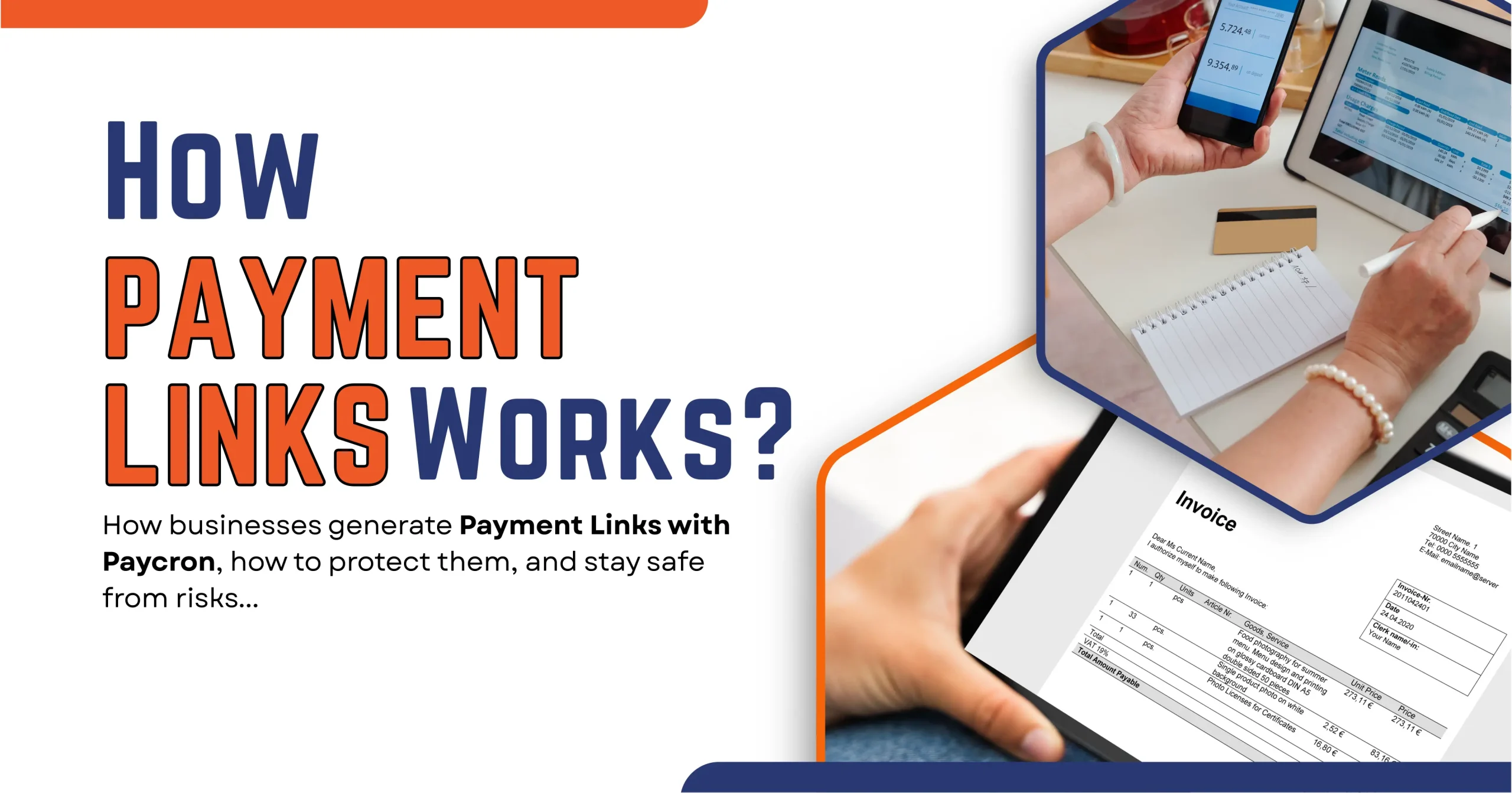
Link Payments Explained — How Do Payment Links Work Securely?
In the fast-evolving U.S. payments landscape, “link payments” (or “payment links”) have emerged as a go-to tool for businesses, especially small and medium ones, to accept money quickly and flexibly. In this blog, I’ll unpack what a payment link is, how it operates, its security posture, common risks, and walk through a real-world example using Paycron. Let’s dive in.
What Is a Link Payment—and How Does It Work?
The concept: payment by link, not terminal
A payment link is essentially a URL (or QR code) that directs a payer to a checkout interface for completing a transaction. Instead of requiring a full-fledged e-commerce integration, your customer just clicks (or taps) the link, enters payment details, and completes the payment. Think of it as “invoice meets checkout page.”
This model is especially useful when:
- You don’t have a website or e-commerce store
- You sell via social media, WhatsApp, email, or SMS
- You want to send invoices online
- You operate in services, consulting, freelancing, or B2B settings
Because payment links are lightweight and portable, they reduce friction and help improve conversion.
Mechanics: how payments move from payer to merchant?
Here’s a simplified flow of how link payments tend to work:
- Merchant generates the link — via a payment gateway, invoicing tool, or portal
- Merchant sends the link — via email, SMS, WhatsApp, etc.
- Customer clicks the link — lands on a secure checkout page
- Customer enters payment details — credit card, ACH/bank, eCheck, or alternative payment
- Payment is authorized and captured — depending on method (instant, delayed)
- Funds settle to the merchant’s account (after processing/clearing)
In many systems, the link is dynamically generated and tied to a particular invoice or order ID, ensuring traceability.
Link payments are part of a broader shift toward frictionless digital channels. Digital wallets, embedded payments, and real-time payments are becoming default expectations.
Also, with the advent of FedNow (live since 2023), more payments in the U.S. are expected to settle instantly, further compressing cycles.
Why many merchants love it:
- Simplicity: No complex integration or web development needed
- Flexibility: Send links via any channel
- Speed: Get paid faster
- Traceability: Each link is tied to a specific invoice/order
- Lower friction: Better UX for customers, especially mobile-first
Given that U.S. consumers made on average 11 mobile payments per month in 2024 (up from 4 in 2018), tools that reduce friction are becoming more crucial.
Is Link Payment Safe? Security Features You Should Know —
“Safe” is a high bar, but yes, link payments can be safe, provided proper controls are in place. Let me share the security elements you should expect (and demand) from any provider.
Encryption & secure transmission:
- TLS / HTTPS: The link should lead to an HTTPS page, ensuring data in transit is encrypted.
- End-to-end encryption: From the client browser or app to the payment processor, data remains encrypted.
- Tokenization: Sensitive card or bank data should be tokenized, meaning actual credentials aren’t stored in your system.
PCI Compliance & standards:
Payment link services act as “payment facilitators” or gateways. To handle card payments or ACH/bank data, the provider must adhere to PCI DSS (Payment Card Industry Data Security Standard). The lower your burden, the more the service provider must take on.
Additionally, for check21/eCheck/invoice-type setups (as with Paycron), you’ll want to see secure data handling, audit logs, and access controls to customer banking data.
Two-Factor / multi-factor authentication (2FA/MFA):
On the merchant side, you should lock down access to invoice or link dashboards with 2FA (SMS, authenticator app, hardware token). On the customer side, some advanced systems may send OTPs or require authentication before authorizing high-value payments.
Fraud detection, monitoring & anomaly detection:
Modern providers use machine learning and rules engines to spot suspicious patterns (e.g., many failed payment attempts, mismatched IP/geo, velocity fraud). As noted in Mastercard’s 2025 trends, using AI/ML to outsmart fraudsters is becoming table stakes.
You’d expect:
- Suspicious request flagging
- Blacklist/whitelist checks
- Real-time risk scoring
- Behavioral analytics
Best practices (that your provider should support):
- Link expiration / single-use links (i.e., expire after one use or after a time window)
- IP restrictions, domain restrictions
- Validate parameters server-side (do not blindly trust query strings)
- Webhook verification (verify incoming notifications via signatures)
- Secure dashboard roles (merchant vs staff roles, least privilege)
- Logging & audit trails
If your link payment provider offers these features, that’s a strong signal of safety.
Common Risks of Link Payments & How to Stay Protected —
No system is perfect, and link payments carry some inherent risk — but many are avoidable. Let’s unpack common threats and protection tactics.
Phishing & fake payment links:
Risk: A fraudster may send a spoofed “invoice” link that looks like your business (or a vendor), but actually reroutes funds to their account.
Protection:
- Always check the URL domain and the SSL indicator
- Use custom-branded domains so customers recognize your link
- Warn customers: “We will never ask you to pay to an unknown domain.”
- Educate staff to verify requests
Tampered links/parameter manipulation:
Risk: A malicious actor may change parameters in the URL (e.g., invoice amounts or account IDs).
Protection:
- Do server-side validation — never trust client-side parameters
- Use signed URLs or HMAC-based signatures
- Reject mismatched or malformed parameter values
Replay or reuse of links:
Risk: Someone may reuse a link to pay multiple times (or attempt duplicate payments).
Protection:
- Mark links as single-use
- Expire links after a time window
- Check the invoice status before re-accepting payment
Credential stuffing or dashboard takeover:
Risk: If someone obtains merchant dashboard credentials, they could generate payment links to steal funds.
Protection:
- Enforce strong passwords, 2FA, and IP restrictions
- Monitor login anomalies
- Limit roles and permissions for staff
Data exposure & storage risks:
Risk: Sensitive payment or banking data being stored insecurely.
Protection:
- Only store what’s needed; tokenize or encrypt the rest
- Use secure vaults
- Regular security audits & penetration testing
Step-by-Step Guide to Create & Send Secure Payment Invoice Links Using Paycron —
Now, let’s walk through how a U.S.-based merchant (or service provider) would use Paycron to generate, send, and manage secure invoice links.
Note: Paycron supports eCheck-enabled invoices and provides a built-in check verification mechanism.
Step 1: Log in to your Paycron Merchant Dashboard
Go to your Paycron portal and authenticate with your merchant credentials.
Step 2: Go to the “Invoices” or “Payments ? Invoice” section
Here you’ll see options to create a new invoice or manage existing ones.
Step 3: Choose how to generate the invoice link
Paycron allows two ways:
- Pre-fill invoice yourself: You fill customer name, amount, description, etc.
- Let the customer fill in via link: Create a generic invoice form and send a link; the customer will complete it.
Step 4: Enter invoice and customer details
- Item/service description
- Amount, due date
- Customer name, email, phone
- Billing address
- Bank/check information (account, routing, check number)
The customer may be required to complete or verify some parts, depending on the mode.
Step 5: Send the link
Copy the invoice link or directly send via email/SMS/WhatsApp.
You can also embed it in your communication platform.
Step 6: Customer actions
- Click link
- Enter any missing details
- E-sign (using Paycron’s e-signature box)
- Submit
Step 7: Merchant verification
Once submitted, the invoice and associated data land in your dashboard. You use Paycron’s Check Verification Tool to validate the bank/check info.
Step 8: Download & deposit
After verification, you can:
- Download the check copy
- Print it (on check paper, not plain printer paper)
- Deposit it into your bank
You now reconcile and close the invoice.
Tips & Best Practices (U.S.-focused, Fintech-aware) —
- Use custom domains or branded subdomains for payment links (e.g., payments.yourbusiness.com)
- For larger amounts, consider multi-stage verification (call the payer on a known number)
- Enable webhooks to automate status updates in your internal system
- For compliance, ensure you have receipts, audit trails, and logs
- Regularly retrain staff on phishing and verifying link requests
- As real-time networks like FedNow expand, consider integrating instant settlement options for faster cash flow.
Conclusion —
Link payments (payment links) are a powerful, flexible way for U.S. businesses, especially small ones, to accept payments without heavy technical setup. But like any payment channel, security must be baked in. By choosing a provider that enforces encryption, meets PCI standards, offers fraud tools, and lets you manage link lifecycles carefully, you can harness this method with confidence.
Using Paycron as an example, you see how invoice-based link payments work in practice: generate, send, the customer enters and signs, verification, print/deposit. If you set it up right, you get speed, traceability, and security.
People also ask —
Q: Are payment links considered PCI scope?
A: Yes, partially. The payment provider must manage PCI compliance for card data/tokenization. Your system needs to securely handle only non-sensitive data and obey security best practices.
Q: Can a payment link be reused by someone else?
A: If correctly configured (single-use, expiring links), reuse is prevented. Always check the invoice status before accepting.
Q: Does Paycron support credit card payments via link?
A: Paycron primarily supports Check21 / bank account invoice payments via links.
Q: What’s the difference between a payment link and a payment gateway integration?
A: Integration ties into your website/storefront. Link payments are standalone—ideal when you lack or delay integration.
Q: How quickly do funds settle?
A: It depends. Credit/debit payments can settle in 1–2 business days (or faster with advanced networks). Check/eCheck payments may take several days (bank clearing cycles).
Q: How do I know if a payment link is legitimate?
A: Verify the domain, check SSL, confirm invoice details, never click unsolicited links, and cross-check with your internal records or calls.

More related blogs
- Payment Processor
- network tokenization
What is Visa’s Digital Commerce Authentication Program (DCAP) — Everything you need to know! 
- Payment Processor
- network tokenization

- ACH Payroll
- payment strategy
Why ACH and Credit Card Limits Are Quietly Killing Merchant Growth?
- ACH Payroll
- payment strategy

- High Risk Merchant Services
- secure payment integration
Simplify Payment Plugin Integration for Online Businesses!
- High Risk Merchant Services
- secure payment integration


