December 9, 2025
Credit Card Same-Day Funding
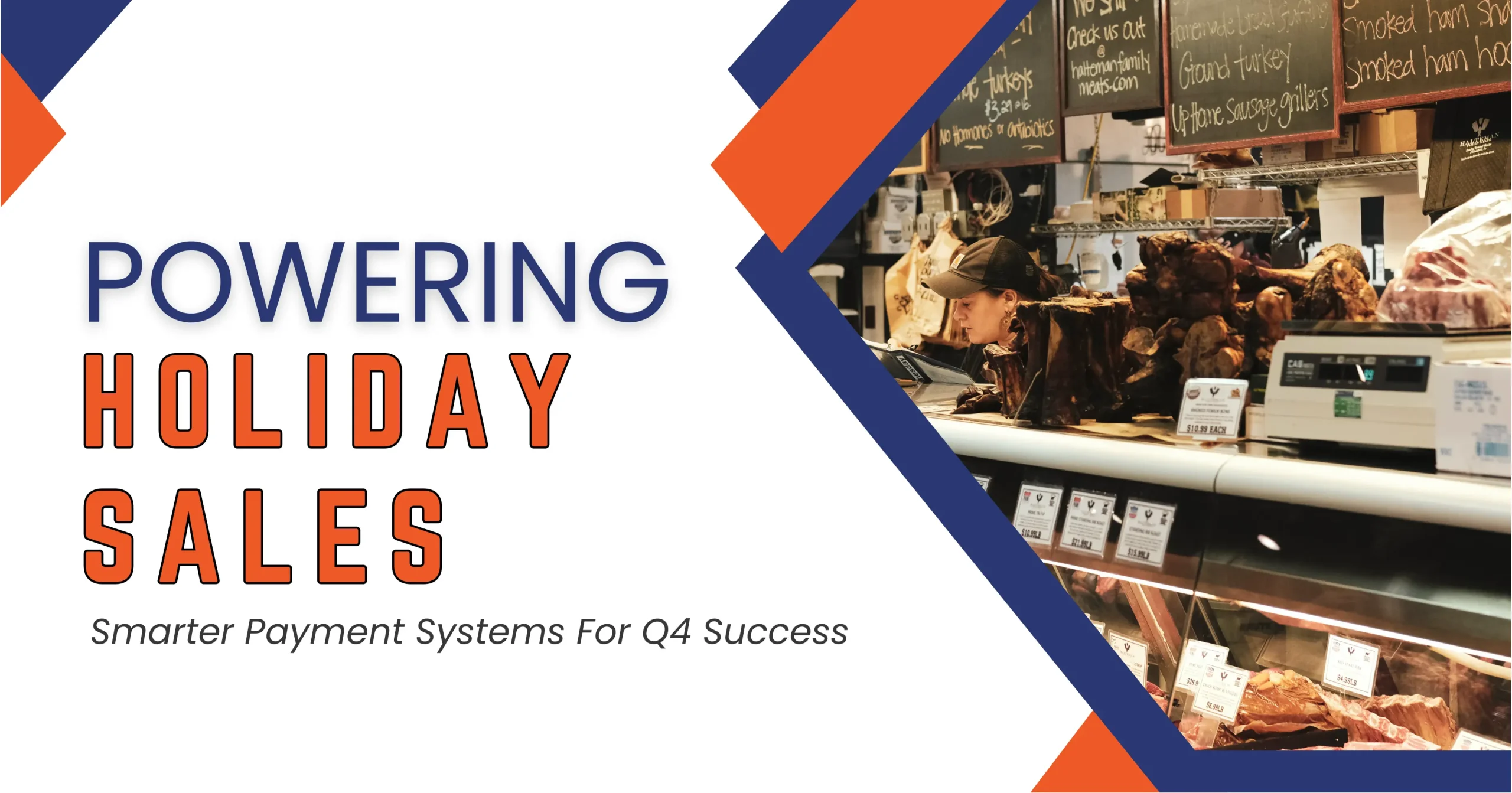
Powering Holiday Sales — Smarter Payment Solutions For Q4 Success!
LISTEN TO THIS ARTICLE
Over the years, I’ve met many small business owners across different industries and cities. Some run thriving online stores, some operate busy local shops, and some manage niche services. Many of the larger ones can handle holiday rushes with expensive POS machines, multiple terminals, and trained seasonal staff. They handle crowds, payments, invoices — everything flows smoothly — and they end the year profitable.
But here’s the reality I keep seeing:
What about the small business owner who is the only staff member?
Or the shop that has maybe 3–4 part-time helpers?
Suddenly peak holiday season hits, people pour in, and now the owner is juggling customers, payments, receipts, invoicing, refunds, and stress.
Sales walk away.
Opportunities slip.
Not because the business isn’t good —
But because the payment system couldn’t keep up.
We may not be able to physically send them staff or run their shop, but as payment industry experts, we can help them eliminate the friction that causes the biggest pain — chaotic checkout, slow payment terminals, confusing invoicing, and payment delays.
That’s where modern payment systems transform holiday panic into holiday profit. Let’s explore how.
Table of Contents —
- The Holiday Rush Hits Hardest on Small Teams —
- Here’s How Small Businesses Win With Smart Payments —
- Why These Upgrades Are Not Tech Extras —
- Wrapping It Up —
- Frequently Asked Questions —
- Q1. Can Paycron help a small business set up a budget-friendly POS system?
- Q2. What is the typical cost of a small business payment system through Paycron?
- Q3. Do I need technical expertise to set up Paycron’s payment system?
- Q4. Can I integrate Paycron’s payment tools into my existing website?
- Q5. Does Paycron support both online and in-person payments?
- Q6. What if I don’t have a website? Can I still use Paycron?
- Q7. What are the best payment options for small U.S. businesses during the holiday season?
- Q8. Can I accept recurring or subscription payments with Paycron?
- Q9. How does Paycron help reduce payment issues during peak holiday traffic?
- Q10. Does Paycron work for businesses with just one or two people running everything?
- Q11. Is Paycron secure for customer payments?
The Holiday Rush Hits Hardest on Small Teams —
After working with so many U.S. merchants, from cozy bakeries in Ohio to a one-chair grooming studio in Miami to a mobile repair stall in Phoenix, one truth stands out:
Big retailers can survive chaos. Small businesses cannot.
Not because they lack skill or passion — they work harder than anyone.
It’s because:
- They don’t have a full staff running checkout.
- They don’t have high-end queue systems.
- They don’t have an accountant issuing invoices instantly.
- They can’t afford expensive terminal upgrades.
- And every lost transaction genuinely hurts.
What frustrates me is seeing small businesses get the customers, get the demand, do everything right…
Yet lose the sale because the payment flow collapses.
People line up.
Card terminals reboot.
Invoice emails take forever.
Receipts jam printers.
Or worst — “cash only” moments.
Money walks out the door — not due to lack of demand, but because payment infrastructure wasn’t ready.
A payment breakdown becomes a business breakdown.
But here’s the good news — we can fix this.
Here’s How Small Businesses Win With Smart Payments —
1. Fast Checkout Options without expensive Hardware:
Most small merchants assume they need a $1,000 POS terminal to handle the holiday rush.
Actually, what they need is smart, not expensive:
- Tap-to-pay on their smartphone
- QR checkout (scan and pay instantly)
- Digital wallet acceptance (Apple Pay, Google Wallet, PayPal)
- One-click checkout links
These kill long lines instantly.
Why this matters:
- No big machine investment
- No setup stress
- No training required
- No annual maintenance fees
And here’s the cool part — this is where small teams outperform big retailers because they move faster and keep checkout friction-free.
2. Smart Invoicing That Doesn’t Slow the Line:
For small shops, invoicing can be a nightmare during rush.
Someone asks,
“Can you email me an invoice for business reimbursement?”
And boom — someone has to stop.
Look up the email.
Write details manually.
Send the PDF.
It kills valuable minutes.
Instead, automated invoicing lets owners:
- Send invoices instantly from their phone
- Collect payments immediately
- Automatically send receipts
- Keep the line moving
No paperwork disasters. No lost customers.
3. Smooth Mobile Payment Options:
Holiday shoppers are in a hurry, and digging for cards is outdated.
Offering:
- Apple Pay
- Google Wallet
- Payment links
- BNPL (“Buy Now Pay Later”)
Means:
- Fewer abandoned checkouts
- Faster transactions
- Happier customers
- Reduced pressure on staff
Mobile-first checkout isn’t a luxury — it’s survival in Q4.
4. Automation for Repeat Tasks:
A small store owner is already doing everything.
Automation is not “tech fluff.” It’s a lifesaver.
Automate:
- Receipts
- Invoice reminders
- Refund confirmations
- Notifications
- Simple bookkeeping entries
Automation doesn’t remove the human touch —
It restores it by freeing the owner to serve customers.
5. A Payment Platform That Scales Without Hiring People:
Most small businesses do shockingly good numbers during Q4 — with just one person or a tiny team. The key is having the right platform that scales without needing extra hands:
- Handles high transaction volume
- Reduces errors
- Processes quickly
- Stops system freezes
- Routes transactions efficiently
Think of it as digital support staff — it never gets tired or overwhelmed.
Why These Upgrades Are Not Tech Extras —
These aren’t toys or high-end features for big retailers.
They are the difference between holiday profits and holiday disaster.
A faulty terminal, slow checkout, or manual invoicing delay can cost:
- 5–10 lost sales per day
- Frustrated customers
- Negative reviews
And here’s the kicker —
These improvements don’t require thousands of dollars.
They just require the right system and awareness.
Small shops can operate like high-efficiency stores just through optimized payment tools.
Wrapping It Up —
This isn’t fintech theory.
This isn’t payment jargon.
This is the reality of small businesses.
The stores with:
- No big staff
- No fancy hardware
- No enterprise systems
But with:
- Heart
- Loyalty
- Hustle
- Community respect
They deserve smooth payment systems.
They deserve holiday wins.
They deserve peace of mind.
And yes — we can help them do that.
Frequently Asked Questions —
Q1. Can Paycron help a small business set up a budget-friendly POS system?
Yes. Paycron offers payment solutions that don’t require heavy upfront investment or expensive terminals. Many small retailers, salons, home-based ventures, and food spots can run a POS using just a phone, tablet, or laptop — without purchasing bulky hardware.
Q2. What is the typical cost of a small business payment system through Paycron?
Costs depend on your transaction volume and business needs, but the pricing is designed to stay budget-friendly. Most small businesses end up paying far less than they would with traditional POS systems while still getting enterprise-level features.
Q3. Do I need technical expertise to set up Paycron’s payment system?
Not at all. The setup is guided, and most small merchants get everything integrated and running within hours. You don’t need an IT background — Paycron does the heavy lifting.
Q4. Can I integrate Paycron’s payment tools into my existing website?
Yes. Whether the site is built on WordPress, WooCommerce, Shopify, Wix, or a custom platform, Paycron can integrate payment forms, checkout flows, and invoice links smoothly.
Q5. Does Paycron support both online and in-person payments?
Absolutely. That’s one of the biggest advantages. You can accept payments at your physical shop, at events/pop-ups, and on your website — all through the same payment ecosystem.
Q6. What if I don’t have a website? Can I still use Paycron?
Yes. You can accept payments through secure payment links, digital invoices, and virtual terminals. No website required.
Q7. What are the best payment options for small U.S. businesses during the holiday season?
Small merchants typically benefit from:
- Card payments
- Mobile Payments
- ACH and eChecks
- Digital invoices and payment links
Paycron supports these options to help prevent lost sales due to limited payment choices.
Q8. Can I accept recurring or subscription payments with Paycron?
Yes. Whether you run a service business, a membership model, or a seasonal subscription, Paycron allows recurring ACH, card, or invoicing setups.
Q9. How does Paycron help reduce payment issues during peak holiday traffic?
By offering fast authorization, check verification, smart routing, fraud controls, and multiple ways to pay, we help you avoid long lines, failed payments, and revenue loss during your busiest days.
Q10. Does Paycron work for businesses with just one or two people running everything?
Yes — that’s actually one of the largest customer segments. Solo founders and very small teams love the system because it keeps payments fast, simple, and organized even when they’re juggling multiple tasks.
Q11. Is Paycron secure for customer payments?
Yes. Transactions run through verified banking channels, encryption, and fraud monitoring tools. Compliance standards (like PCI and NACHA) are built into the system.

More related blogs

- Business Licensing & Permits
- Does FinCEN share BOI data with banks?
How the Corporate Transparency Act Affects Merchant Account Approvals? 
- Business Licensing & Permits
- Does FinCEN share BOI data with banks?

- Online Payment Solutions
- pci dss compliance solutions
What Is PCI DSS 4.0 Level 1 Certification and Why Is It Important?
- Online Payment Solutions
- pci dss compliance solutions

- Payment Solutions
- corporate KYB compliance
How Your Business Structure Shapes Payment Processor Approval in 2026?
- Payment Solutions
- corporate KYB compliance


