July 14, 2025
API Integration
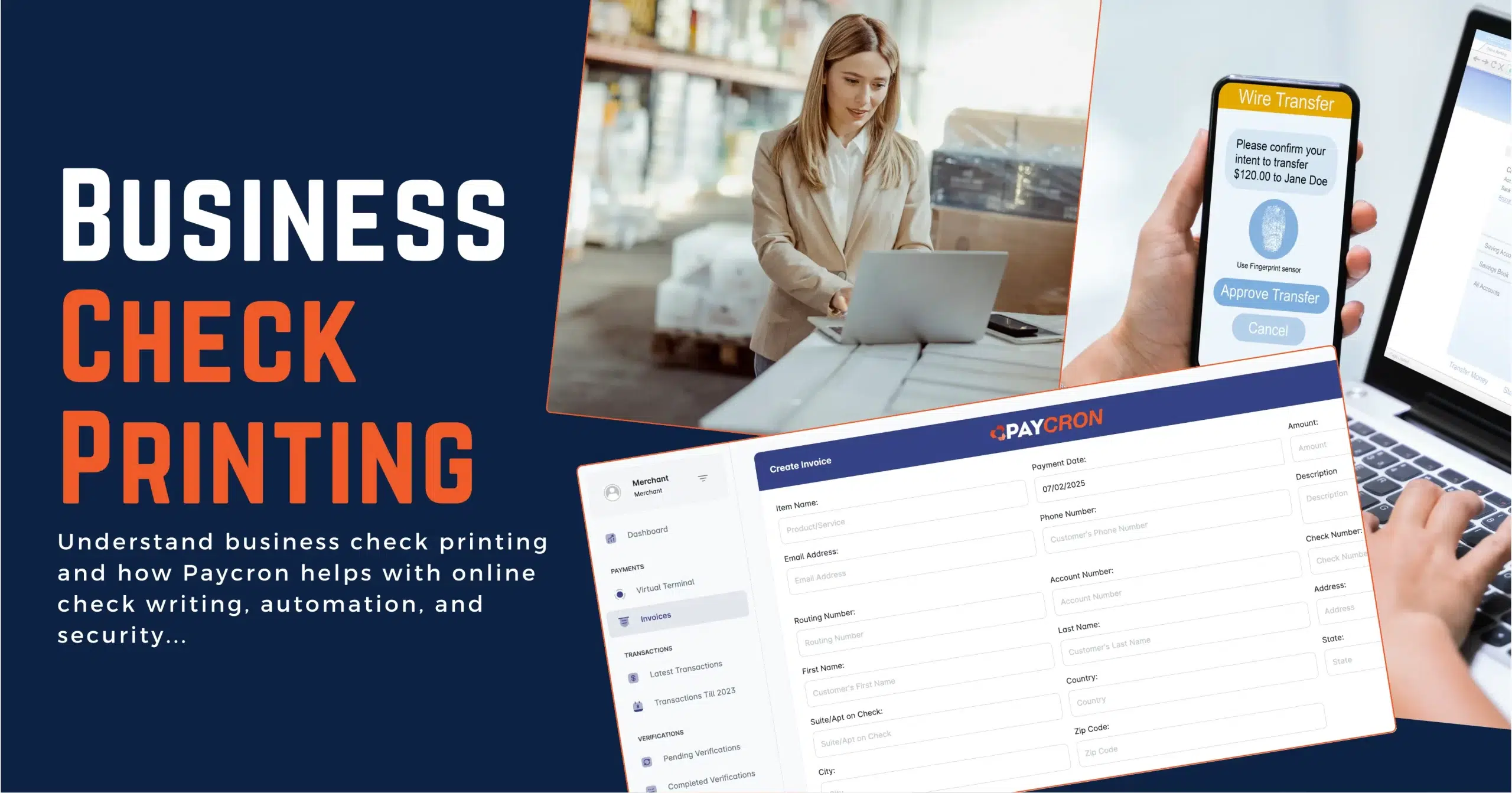
What Is Business Check Printing — Explanation Guide!
Let’s begin with something that often confuses people: the difference between online check writing and business check printing. These two terms refer to related—but separate—parts of the payment process.
- Check Writing is the process of generating the check details—like the payee, amount, date, and memo. This can be done online using a platform like Paycron, which lets you create digital check files ready to be printed.
- Check Printing, on the other hand, is the physical act of printing that check onto paper using secure check stock and a MICR-compatible printer. This ensures the check is bank-compliant and ready for processing.
Here’s where Paycron comes in: Paycron provides a secure cloud platform for writing (generating) digital business checks—but it does not offer any physical check printing services. Merchants using Paycron will need to print the check files themselves using their own compliant printers and paper.
In this blog, we’ll break down everything you need to know about business check printing, how digital check generation works with Paycron, and how businesses can securely manage their payments without the headaches of manual check handling.
Table of Contents —
Digital Check Writing with Paycron —
Paycron is a feature-rich online platform that simplifies how businesses create and manage checks digitally. Let’s explore what it offers:
1. Centralized Dashboard: Your main command center. View transactions, track check status, verify approvals, and manage upcoming payments—all from one intuitive interface.
2. Virtual Terminal: Process payments and write checks instantly. The virtual terminal acts like a digital check-book for your business.
3. Invoice Generator: Create professional invoices and connect them directly to your outgoing check transactions.
4. Verification Tools: Every check created goes through a verification process, adding an extra layer of fraud protection.
5. Check & Transaction History: Access complete logs of every check you’ve generated, including payment status, dates, and recipient info.
6. Recurring Payment Scheduler: Ideal for payroll or vendor payments—automate your check writing so you never miss a due date.
7. Sub-member Management: Add team members to your Paycron account and assign role-based access. Keep things secure while delegating responsibly.
8 Payroll Integration: Create recurring payroll checks easily. Paycron ties your payroll needs with its secure online check generation workflow.
Paycron Doesn’t Print Checks —
Although Paycron helps you digitally write checks with all required information and MICR formatting, it does not offer physical printing services.
To print your checks, you’ll need:
- A MICR-compatible printer
- Bank-approved check stock paper
- Proper setup to align formatting with your printer
This approach gives businesses flexibility while keeping them in full control of the final printing and mailing process.
Benefits of Using Paycron for Digital Check Writing —
- Security: With encryption, user roles, and built-in check verification, your checks are safe from unauthorized changes.
- Automation: Set it and forget it—perfect for recurring payments.
- Compliance: All check files follow U.S. standards like the Check 21 Act and MICR formatting.
- Transparency: Detailed reports and history logs make audits easy.
- Scalability: Whether you print 10 checks a month or 1,000, the platform scales with your business.
Best Practices for Business Check Printing —
Once you generate checks using Paycron, be sure to follow these best practices during printing:
- Use MICR ink or toner and compliant check stock.
- Store unused check paper securely.
- Restrict access to check printing equipment.
- Always reconcile printed checks against your Paycron transaction logs.
Common Mistakes to Avoid —
- Using regular ink: MICR ink is required for bank processing.
- Skipping verification: Always review recipient and amount before printing.
- No audit trail: Use Paycron’s logs to track every check.
- Too many users with access: Limit roles using sub-member management.
- No backups: Ensure check data is securely stored on the cloud.
Paycron empowers businesses with a modern way to write checks digitally—securely, efficiently, and on your terms. While printing stays in your hands, Paycron gives you the confidence that your check data is accurate, verified, and bank-compliant.
Frequently Asked Questions About Paycron Check Tools —
Q1: Can Paycron print checks for me?
No. Paycron provides digital check writing tools. You must print checks yourself using the proper hardware and paper.
Q2: Is this suitable for small businesses?
Yes! From solo entrepreneurs to enterprises, Paycron adapts to your scale.
Q3: What do I need to print my checks?
A MICR-compatible printer and check stock paper. Paycron gives you print-ready files.
Q4: Can I use Paycron for recurring payments?
Yes, recurring payroll or vendor checks can be auto-scheduled.
Q5: Is Paycron Check 21 compliant?
Yes. All generated checks follow legal U.S. standards for digital check images.
Q6: What security features are built in?
User authentication, encryption, access controls, and audit logs—all included.
Want to see Paycron in action? Apply Now for a demo and visit our platform to explore all the features today!

More related blogs

- Business Incorporation Services
- FinCEN Identifier
How the Corporate Transparency Act Affects Merchant Account Approvals? 
- Business Incorporation Services
- FinCEN Identifier

- Payment gateway
- tokenization solutions
What Is PCI DSS 4.0 Level 1 Certification and Why Is It Important?
- Payment gateway
- tokenization solutions
- ecommerce merchant accounts
- how to change business structure with a payment processor
How Your Business Structure Shapes Payment Processor Approval in 2026?
- ecommerce merchant accounts
- how to change business structure with a payment processor


